WiFi for an Outbuilding: A Reliable UK Planning Guide
Plan reliable WiFi for a garden office, garage or workshop by choosing the building link, power and local access point before buying an extender.
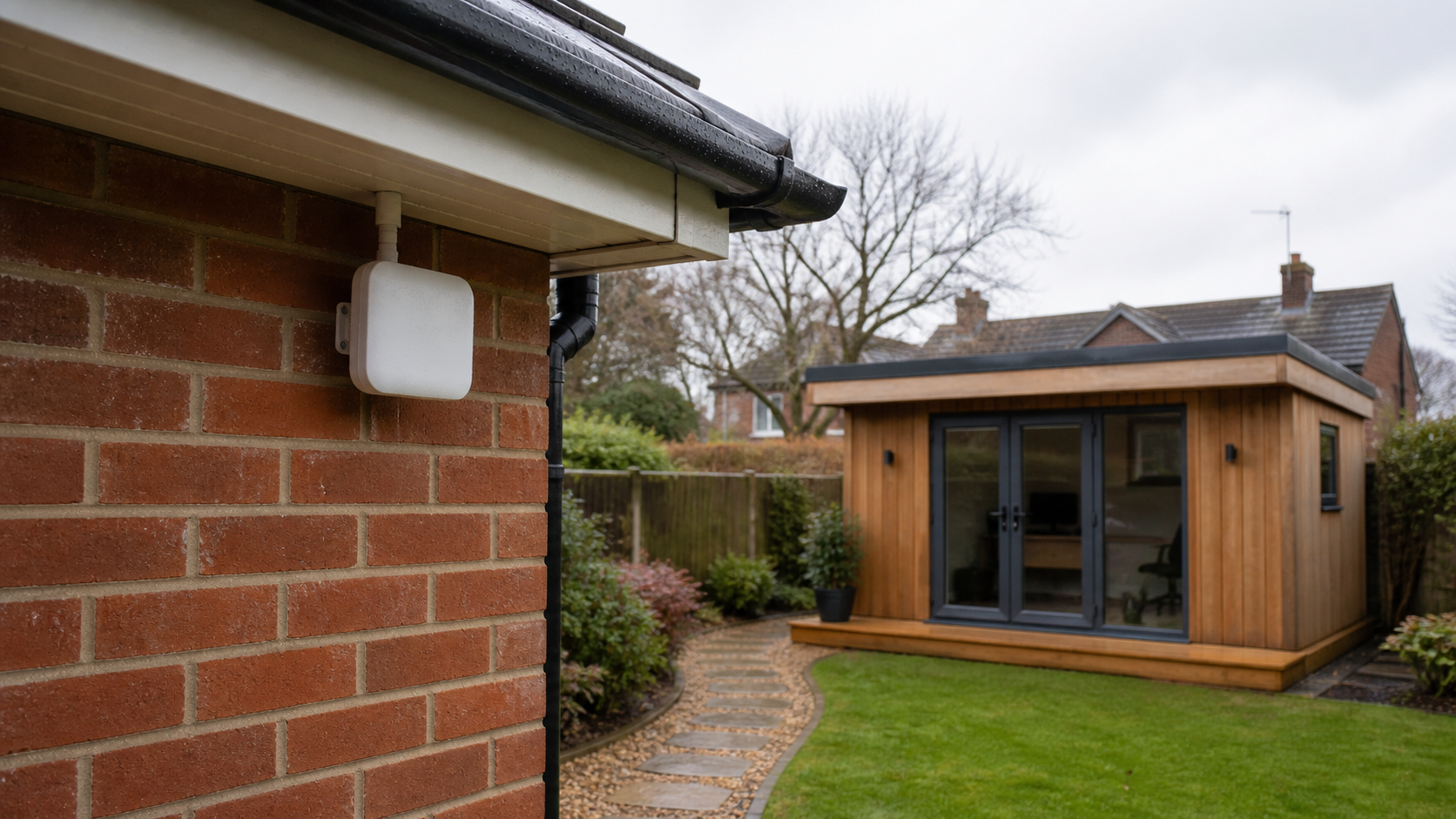
Reliable WiFi in a garden office, detached garage or workshop starts with the connection between the buildings. The access point at the far end can only distribute the link it receives. If that upstream path is weak, adding another repeater often creates a new network name without creating a dependable connection.
The practical order is: define the job, choose the building link, provide safe power and weather protection, then place a local access point where people and devices actually work.
Define success before buying hardware
“WiFi reaches the shed” is too vague to design around. Write down the devices and tasks that must work:
- video calls at a fixed desk;
- cloud documents and ordinary browsing;
- a card terminal or booking screen;
- one or more cameras;
- music or streaming;
- occasional phone coverage at the end of the garden.
Also record the consequence of failure. A short interruption during casual browsing is inconvenient. An interruption to payments, security monitoring or a working day needs a more resilient design.
Choose an acceptance test that uses the real device in the real location. A speed test beside the access point does not prove that a laptop behind a closed door will hold a call.
Choose the link between buildings
There are four common approaches. None has a universal range because walls, foliage, interference, mounting, client devices and local conditions differ.
| Building link | Good fit | Main boundary |
|---|---|---|
| Designed Ethernet run | A safe, compliant cable route is practical | Separate-building cabling and surge/electrical considerations need competent design |
| Fibre | Electrical isolation or a longer designed link matters | Requires suitable termination and active equipment |
| Point-to-point wireless bridge | Clear line of sight exists but trenching is impractical | Alignment, foliage and mounting stability matter |
| Independent mobile router | The outbuilding has usable mobile service or needs backup | Coverage, data plan, latency and provider faults remain |
Ethernet or fibre
A designed cable link gives the far-end access point a dedicated backhaul. That is usually easier to reason about than repeating an already marginal wireless signal. Between separate buildings, however, cable route, entry, burial, protection and electrical differences are not casual DIY details. Fibre is non-conductive and may be preferred where electrical isolation matters, but the complete design still requires compatible equipment.
Ask a competent installer to assess separate-building work. Do not trail an indoor patch lead through a window or bury a cable simply because its plug fits.
Point-to-point wireless bridge
A bridge uses a matched radio at each building to carry the network across a fixed path. It works best with clear line of sight and solid mounting. A route that is clear in winter may be obstructed by summer foliage, parked vehicles or a new structure.
The bridge is the backhaul. At the outbuilding, users will normally still need a local access point for phones and laptops. Do not assume the bridge radio automatically provides suitable indoor coverage.
Mobile connection
A mobile router can be a sensible independent route where site-to-site cabling or line of sight is poor. Test more than one time of day at the exact installation point and understand the data plan. If an application needs inbound connections, a fixed public address or very low latency, confirm those requirements with the provider rather than assuming every SIM behaves like a fixed line.
Why a repeater is often the wrong first purchase
A wireless extender has to hear the existing network well enough to relay it. Placing it in the dead zone may produce a strong local icon while the backhaul remains poor. Moving it closer to the house may improve the upstream link but still leave the outbuilding uncovered.
An extender can be appropriate for a modest final gap where the source signal is genuinely stable. Before choosing one, read the outdoor WiFi extender buyer’s guide and the separate range-planning guide. Those pages cover device selection and testing; this page owns the whole building-to-building plan.
Put a local access point at the far end
Once the building link is sound, place an access point for the occupied area. Do not hide it beside the incoming cable if that is in a metal cabinet, behind storage or at the wrong end of the room.
Confirm these dependencies:
- A router or gateway already provides the internet connection and network services.
- The access point has the required wired network connection or supported mesh arrangement.
- Its power method is available, commonly a compatible Power over Ethernet switch or injector.
- The management platform and software version support the exact model.
- The mounting location is approved by the manufacturer.
An access point is not normally a replacement for the router. Ubiquiti’s own standalone guidance, for example, states that its access points need a gateway/router and that standalone mode has management and roaming limitations.
Indoor and outdoor ratings are not interchangeable
Do not put an indoor-only access point outdoors just because it sits under an eave. Check the exact model’s product page, installation guide, IP rating and permitted mounting orientation. An IP rating describes tested ingress protection; it does not remove the need for correct cable entry, drainage, connectors and mounting.
The U7-LR product specification lists ceiling or wall mounting and PoE, but it does not present the device as an outdoor model. For a weather-exposed position, choose equipment explicitly approved for that environment. The current Wifora U7-LR listing is more relevant as an indoor far-end access point after a properly designed link.
Outdoor electrical work deserves equal care. Electrical Safety First advises using outdoor-suitable equipment and RCD protection, keeping connections and cables free from damage and moisture, and using a registered electrician for installation work where appropriate. A weather-rated radio does not make an improvised mains extension safe.
Treat 6 GHz and headline speed carefully
WiFi 7, channel width and quoted maximum data rates describe capabilities under defined conditions. They do not predict the speed of your garden office. The internet service, backhaul, radio settings, walls and client device can each become the limiting point.
UK outdoor use of higher-power 6 GHz equipment is subject to current Ofcom rules and Automated Frequency Coordination requirements. Ofcom’s 2026 decision enables specified outdoor and higher-power operation under AFC control; it is not a blanket permission to copy any overseas setup. Use UK-market equipment, the correct country setting and current manufacturer support.
If an ordinary 2.4 or 5 GHz link already meets the job reliably, a newer band is not automatically a reason to redesign it.
A survey you can do before installation
Walk the route with a simple evidence sheet:
- distance between proposed mounting points;
- clear line of sight or every obstruction;
- building materials at both ends;
- safe cable or fibre route options;
- power and network equipment at each end;
- where users and devices sit;
- seasonal foliage, vehicles and doors that may change the path;
- who will manage and reboot the equipment;
- what happens during a main internet or power failure.
Photograph the proposed positions and note measurements. Do not turn one phone’s signal bars into a coverage guarantee. If the network is important to work or safety, use a competent site survey with appropriate test equipment.
Commission the network with real tasks
After installation, test each requirement rather than celebrating a single peak number.
- Join the intended network from every device.
- Run a video call or work application at the normal desk.
- Close the doors and operate nearby equipment as it would be used normally.
- Walk between coverage areas and check whether calls or sessions recover acceptably.
- Restart the far-end power and document the recovery sequence.
- Test the fallback route, if the outbuilding supports business-critical work.
- Save the configuration, equipment list and support contact.
Repeat the checks after heavy foliage appears or the room layout changes. Reliability is an observed service level, not a number printed on the box.
Buying checklist
Before ordering, confirm:
- building link type and who will install it;
- exact indoor/outdoor approval for every mounted device;
- compatible PoE switch or injector and its location;
- router, controller or management dependencies;
- UK radio support and current firmware requirements;
- cable entry, strain relief and weather protection;
- current returns policy;
- a real acceptance test and fallback plan.
Do not buy by maximum coverage area alone. Manufacturer coverage figures are useful for comparison under stated assumptions, but your outbuilding is shaped by its own materials and path.
Frequently asked questions
What is the best way to extend WiFi to a garden office?
A designed Ethernet or fibre link with a local access point is often the most predictable option where a safe route is practical. With clear line of sight, a point-to-point bridge can carry the link. The site conditions decide, not a universal product ranking.
Can I place a WiFi extender in the outbuilding?
Only if it receives a stable upstream signal there. A strong network name does not prove that the backhaul is usable. Test the link at the proposed position before buying.
Is a wireless bridge the same as an access point?
No. The bridge carries data between fixed endpoints. A local access point normally provides WiFi to phones, laptops and other clients inside the outbuilding.
Can I mount the U7-LR outside?
Use the exact manufacturer’s current environmental and installation specifications. The official U7-LR specification lists wall or ceiling mounting but does not identify it as an outdoor model. For exposure to weather, choose equipment expressly approved for that location.
How many metres will an outdoor extender cover?
There is no honest universal number. Obstacles, mounting height, interference, client radios and backhaul all change the result. Define a task at a location and test that task.