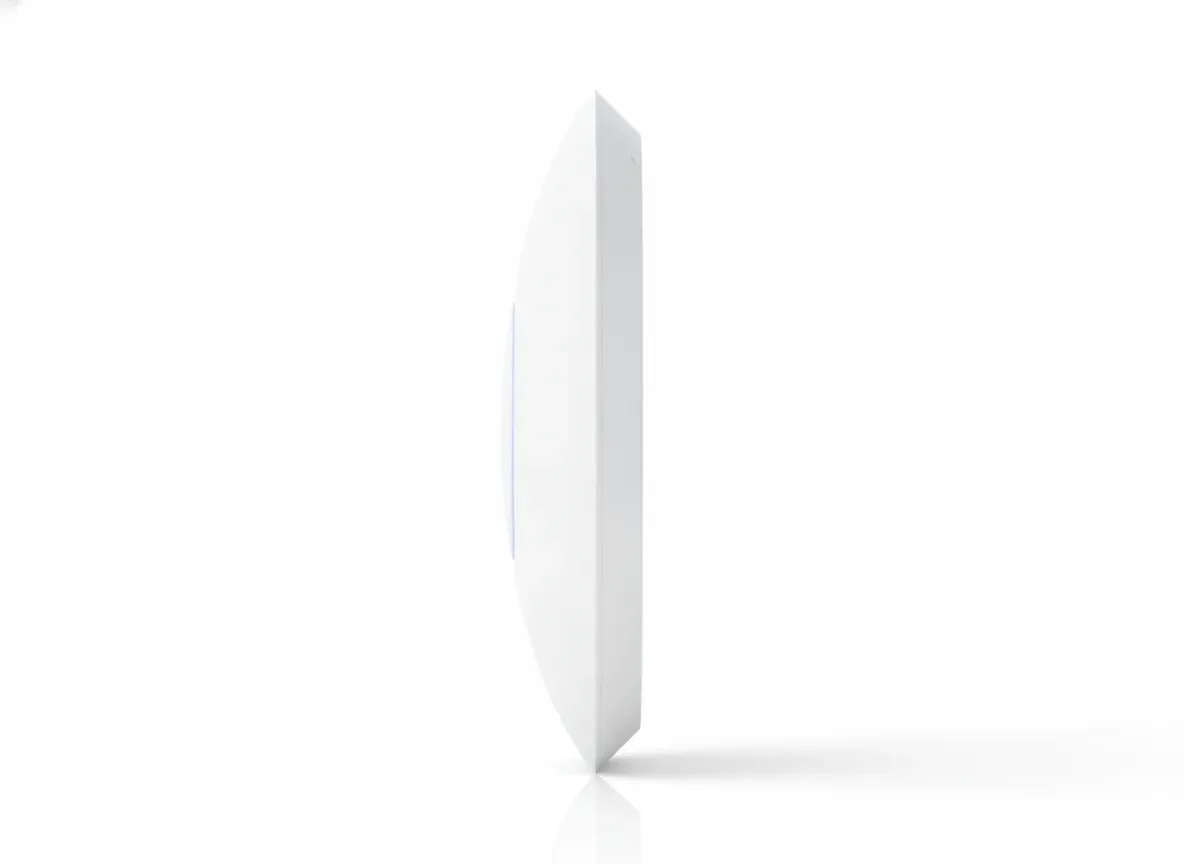
Range Extender Wifi Tp-Link Explained: A UK Buyer's Guide

UK homeowners frequently encounter the same frustrating obstacle: thick Victorian brickwork and solid masonry that act as a natural barrier to wireless signals. While your standard BT Smart Hub or Virgin Media router might provide decent speeds in the lounge, the signal often degrades significantly by the time it reaches the home office or the master bedroom. This is where a range extender wifi tp-link device enters the conversation. These compact units are designed to bridge the gap between your router and those stubborn dead zones, offering a cost-effective way to boost coverage without rewiring the entire property.
However, not all extenders are created equal. Choosing the right TP-Link model requires an understanding of your home’s layout, your current internet speeds, and whether you need a simple plug-and-play solution or a more robust mesh-capable system. This guide breaks down the technical specifications of the TP-Link range, how they integrate with UK ISP hardware, and when you might need to look beyond standard extenders toward enterprise-grade solutions for true whole-home or outdoor coverage.
Key Takeaways
- Compatibility: TP-Link range extenders work with any standard UK ISP router, including Sky, BT, and Virgin Media.
- OneMesh Technology: For the best experience, pair a OneMesh-compatible extender with a OneMesh router to create a seamless network.
- Placement is Critical: The extender must be placed halfway between the router and the dead zone to maintain speed.
- Performance Limitations: Standard extenders can lose up to 50% of bandwidth; for high-demand tasks, consider a dedicated high-gain router or an outdoor solution.
- Wi-Fi 6 Advantage: If you use multiple devices, AX-series extenders (Wi-Fi 6) offer significantly better congestion management.
What is a Range Extender Wifi TP-Link?
A TP-Link range extender is a networking device that picks up an existing Wi-Fi signal from your main router and rebroadcasts it to a wider area. Unlike a secondary router, which requires an Ethernet cable connection to the primary hub, a range extender connects wirelessly. This makes them incredibly popular in the UK for renters or homeowners who want to avoid drilling holes for cables.
TP-Link has dominated this market segment by offering a tiered range of products, from the budget-friendly RE200 series to the high-performance RE700X models. These devices typically plug directly into a standard UK wall socket and use a set of internal or external antennas to "grab" the signal. While often referred to as "boosters," they do not actually boost the incoming speed from your ISP; rather, they extend the reach of the signal that is already there.
It is important to distinguish between a standard repeater and a OneMesh-capable extender. Standard repeaters create a second network ID (SSID), often ending in "_EXT". This can be annoying as your phone may cling to the weaker main router signal even when you are standing next to the extender. OneMesh-capable devices, however, allow your devices to switch automatically to the strongest signal as you move around the house.
The Core TP-Link Range: Finding the Right Model
The range extender wifi tp-link catalogue is extensive, which can lead to "choice paralysis" for the average buyer. To simplify the selection process, we can categorise them into three main performance tiers based on the Wi-Fi standards used in the UK today.
1. The Budget Tier (Wi-Fi 5 / AC750 - AC1200)
Models like the RE200 and RE300 are designed for basic tasks. If you only need to check emails in a spare room or connect a smart thermostat, these are sufficient. However, they struggle with high-definition streaming or gaming because they lack the bandwidth to handle multiple heavy users simultaneously. In a typical UK household where the average number of connected devices has risen to over 22 (source: Ofcom Connected Nations Report 2023), these entry-level models can quickly become a bottleneck.
2. The Mid-Range Tier (Wi-Fi 5 / AC1750 - AC2600)
The RE450 and RE650 are the "workhorses" of the TP-Link range. They feature larger external antennas and support MU-MIMO (Multi-User, Multiple-Input, Multiple-Output) technology. This allows the extender to talk to multiple devices at once rather than making them wait in a queue. If you have a busy family home with teenagers gaming and parents working from home, this is the minimum specification you should consider.
3. The Performance Tier (Wi-Fi 6 / AX1500 - AX6000)
The latest AX series, such as the RE505X or RE700X, utilises Wi-Fi 6 technology. This is the gold standard for modern networking. Wi-Fi 6 is not just about raw speed; it is built to handle the "noisy" environments of UK urban areas where dozens of neighbouring Wi-Fi signals interfere with each other. These models are ideal if you have a high-speed fibre-to-the-premises (FTTP) connection from providers like Openreach or CityFibre.
Why UK Homes Challenge TP-Link Extenders
The UK has some of the oldest housing stock in Europe. While modern timber-frame houses are relatively easy for Wi-Fi to penetrate, the standard "two-up, two-down" brick terrace or the detached stone cottage presents a nightmare for wireless signals. A range extender wifi tp-link relies on receiving a clean signal to rebroadcast. If you place the extender in a room where the signal is already "dying," it will simply rebroadcast that poor, unstable signal.
This is known as the "half-bandwidth rule." Because most range extenders use the same radio band to talk to the router and the client device (like your laptop), the available speed is effectively cut in half. If your router delivers 100Mbps in the lounge, but only 20Mbps reaches the hallway where the extender is placed, your devices connected to the extender will likely see less than 10Mbps. This is a common reason why many users feel their extender isn't "working" despite having full bars of signal.
"A range extender is only as good as the signal it receives. If you are trying to push Wi-Fi through a thick chimney breast or a foil-lined insulation layer in the loft, a standard plug-in extender may fail where a high-gain enterprise router would succeed."
For those struggling with signals in larger gardens or outbuildings, standard indoor extenders often fall short. In these cases, you should read The Ultimate Guide to Outdoor Range Extender Wifi in the UK to understand how specialised hardware can overcome these structural barriers.
Strategic Placement: The "Sweet Spot"
Most TP-Link extenders feature a "Smart Signal Indicator" LED. This is a simple but effective tool: a blue light usually indicates a good connection, while a red light means the extender is too far from the router. However, for the best performance in a UK home, you should aim for the "halfway house" strategy.
- Identify the Dead Zone: Find the area where your Wi-Fi drops out completely.
- Find the Midpoint: Locate a power socket roughly halfway between your main router and that dead zone.
- Avoid Obstructions: Do not hide the extender behind a sofa or inside a cupboard. Height is your friend; if you have a socket at waist height or higher, use it.
- Minimise Interference: Keep the extender away from large metal objects (like radiators or fridges) and other electronics like microwaves or cordless phone bases.
TP-Link OneMesh vs. Traditional Mesh Systems
One of the strongest arguments for choosing a range extender wifi tp-link is the OneMesh ecosystem. If you already own a TP-Link Archer router, adding a OneMesh extender creates a unified network. Instead of your devices disconnecting and reconnecting as you move from the kitchen to the garden, the system manages the "handover" seamlessly.
However, it is vital to note that OneMesh only works between a TP-Link router and a TP-Link extender. It will not create a mesh network with a BT Home Hub or a Virgin Media Superhub. If you are using an ISP-provided router, the extender will function in "Standard Mode," which lacks the seamless roaming capabilities of a true mesh system. For users who need comprehensive coverage that extends beyond the walls of the house, exploring Outdoor Wifi Extender Range Explained is highly recommended, as indoor hardware rarely survives the British weather or the distance requirements of a large garden.
Technical Deep Dive: Features to Look For
When scouring the spec sheets for a range extender wifi tp-link, there are three features that dictate whether the device is a "buy" or a "pass" for a modern UK home.
Gigabit Ethernet Ports
Many cheaper extenders come with a "Fast Ethernet" port (10/100 Mbps). If you have a fibre broadband package over 100Mbps, this port will throttle any wired device (like a smart TV or gaming console) connected to it. Always look for a model with a "Gigabit" port to ensure you aren't leaving speed on the table.
Access Point (AP) Mode
If your home has Ethernet cabling (Cat6) running through the walls, you can set the TP-Link extender to "AP Mode." In this configuration, the device receives data via the cable and broadcasts a full-strength Wi-Fi signal, bypassing the "half-bandwidth" penalty of wireless repeating. This is the most stable way to use an extender.
Beamforming Technology
Beamforming allows the extender to concentrate its signal toward specific devices rather than broadcasting in every direction equally. This is particularly useful in UK homes with narrow corridors, as it helps the signal "find" your device through doorways and around corners.
When a TP-Link Extender Isn't Enough
While a range extender wifi tp-link is an excellent tool for many, it has its limits. If you live in a large manor house, a converted barn with metre-thick stone walls, or a property where you need Wi-Fi in a detached home office (the "garden room" trend), a plug-in extender may leave you disappointed. Standard extenders are designed for "filling gaps," not for providing primary connectivity over long distances.
In these scenarios, enterprise-grade hardware—such as high-gain routers with SIM card slots for failover or dedicated outdoor access points—is the superior choice. These systems are designed to outperform standard ISP hubs by a significant margin. For a deeper look into extending your reach to the furthest corners of your property, see our guide on Wifi Range Extender Outdoor Explained.
Common Troubleshooting for UK Users
Setting up a TP-Link extender is usually straightforward via the "Tether" app, but UK-specific issues can arise:
- IP Address Conflicts: Sometimes the extender and the ISP router try to assign the same IP address. Setting a "Static IP" for the extender in the router settings usually fixes this.
- DFS Channels: UK regulations allow routers to use "Dynamic Frequency Selection" channels. Some older TP-Link extenders struggle to see the 5GHz signal if the router is using a high DFS channel. Manually setting your router to a lower channel (like 36 or 44) can resolve visibility issues.
- Firmware Updates: Always check for firmware updates in the Tether app. TP-Link frequently releases patches to improve compatibility with the latest UK ISP router updates.
Upgrade Your Home Connectivity with Wifora
Tired of "buffering" circles and dropped Zoom calls? While a TP-Link extender can help, it’s often just a sticking plaster on a larger problem. At Wifora, we specialise in enterprise-grade networking solutions that outperform any standard ISP hub. Whether you need a high-gain router for a rural property or a robust system to provide Wi-Fi across your entire estate, we have the hardware to make it happen.
Don't settle for "good enough" Wi-Fi. Experience true coverage today.
Frequently Asked Questions
Will a TP-Link extender work with my Sky or Virgin Media router?
Yes, all range extender wifi tp-link models are designed to be universally compatible with any standard UK ISP router. You can connect them via the WPS button or the TP-Link Tether app. Note that you will not get "OneMesh" features unless your main router is also a compatible TP-Link model.
How many TP-Link extenders can I use in one house?
Technically, you can use multiple extenders, but it is not recommended to "daisy-chain" them (connecting one extender to another). This leads to massive latency and speed loss. If you need more than two extenders, you should consider a full Mesh Wi-Fi system or an enterprise-grade router from Wifora.
Can I use an indoor TP-Link extender in my garden shed?
It is not advisable. Indoor extenders are not weather-sealed and are sensitive to temperature fluctuations and moisture common in the UK. Furthermore, their signal is rarely strong enough to penetrate external cavity walls. For outdoor use, you should specifically look for IP-rated hardware, as detailed in The Ultimate Guide to Outdoor Range Extender Wifi in the UK.
Does a range extender increase my internet speed?
No. A range extender can only distribute the speed it receives. If your internet plan is 50Mbps, the extender cannot provide 100Mbps. In fact, due to the nature of wireless repeating, the speed at the extender is usually lower than the speed at the router.
Ready to upgrade your home network with Wifora?
Upgrade Your Network — £147.93